Setup
Three steps, then never again
No Docker, no playlist files, no extra server software. If Plex works on your Apple TV, Currents works.
-
1
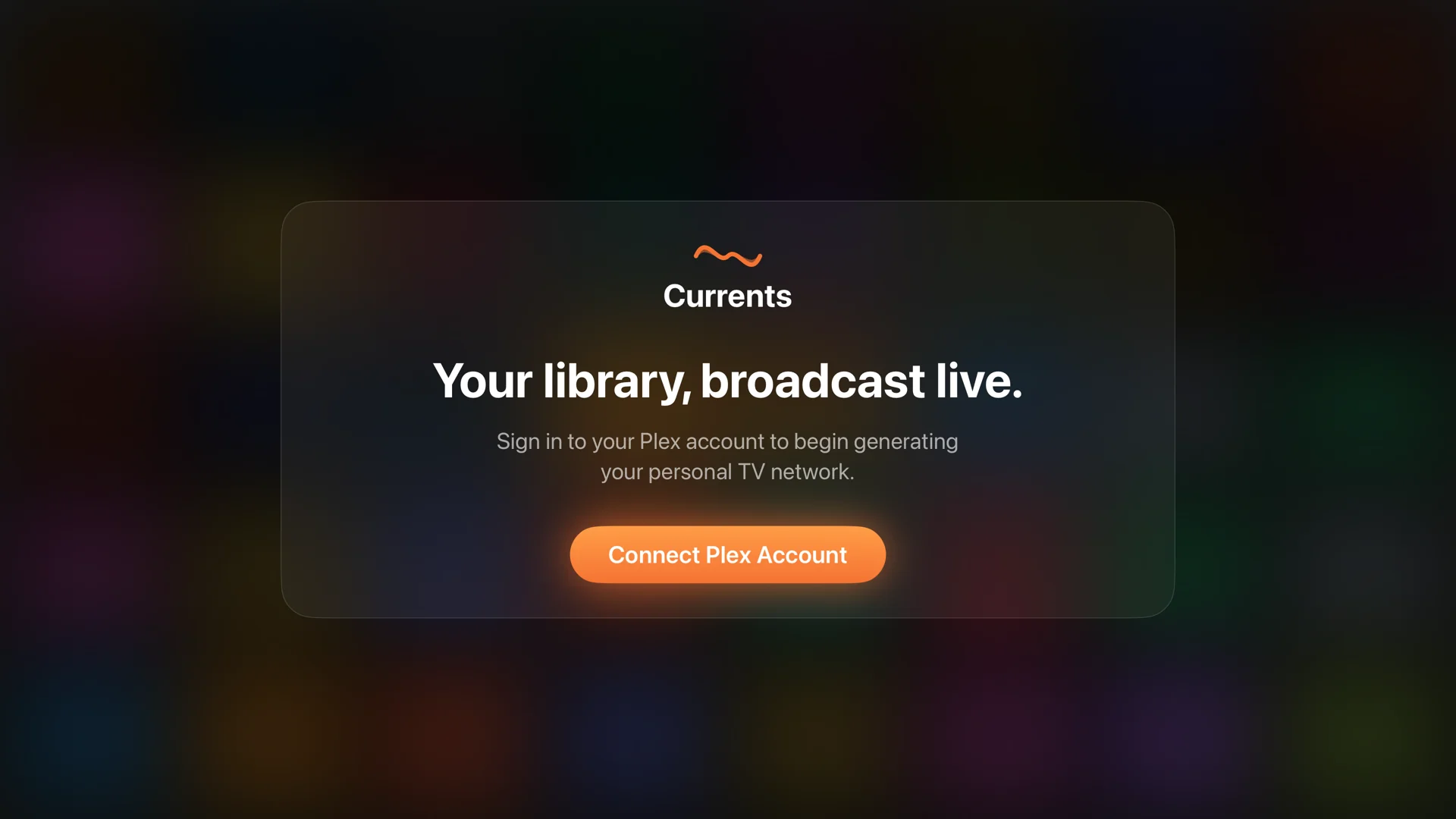
Install on Apple TV
One app from the App Store. Nothing to install on your server or your Mac.
-
2
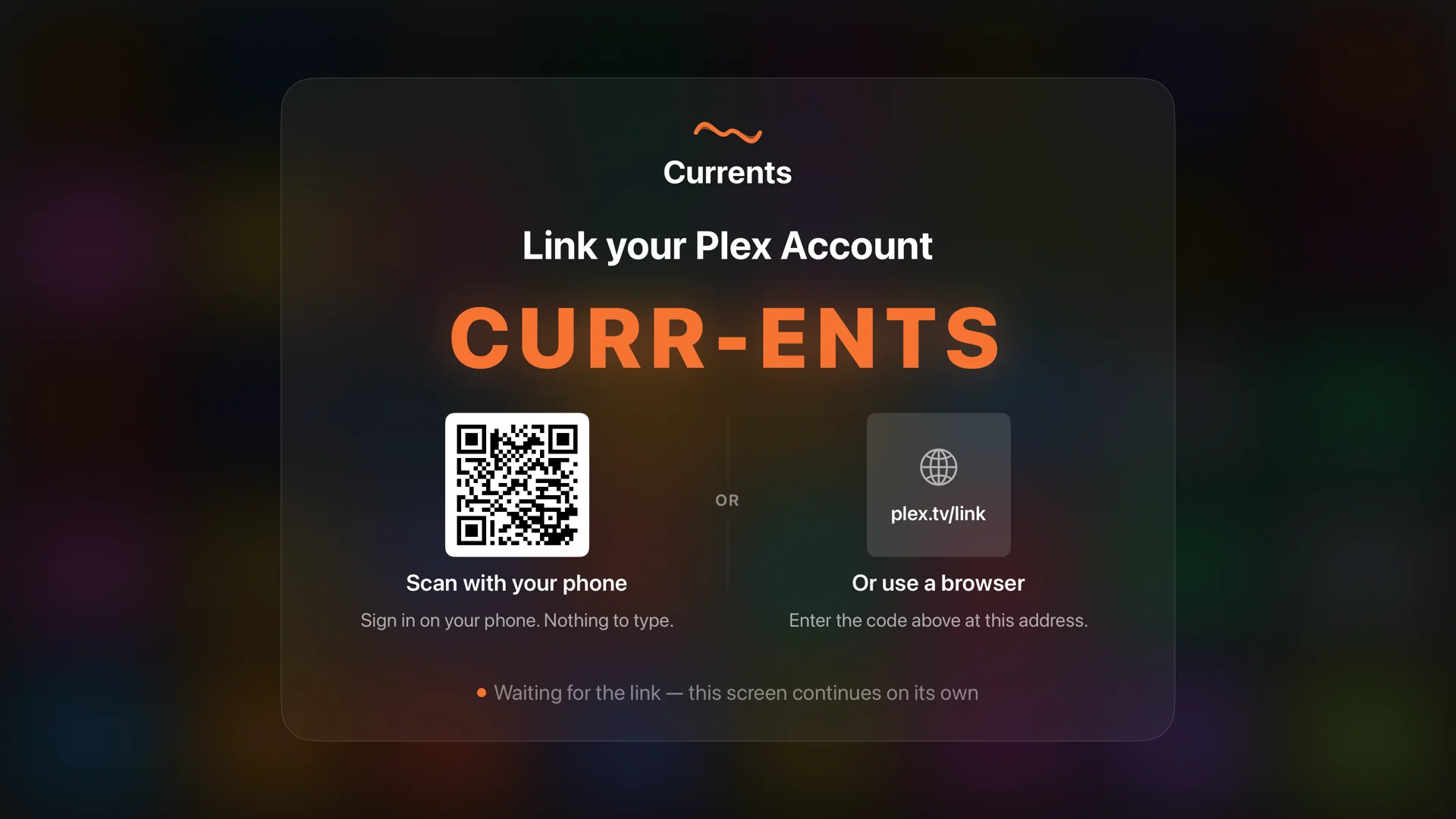
Link your Plex account
Scan a code, pick your server, and choose which libraries to use. Currents reads them and never moves or changes your media.
-
3
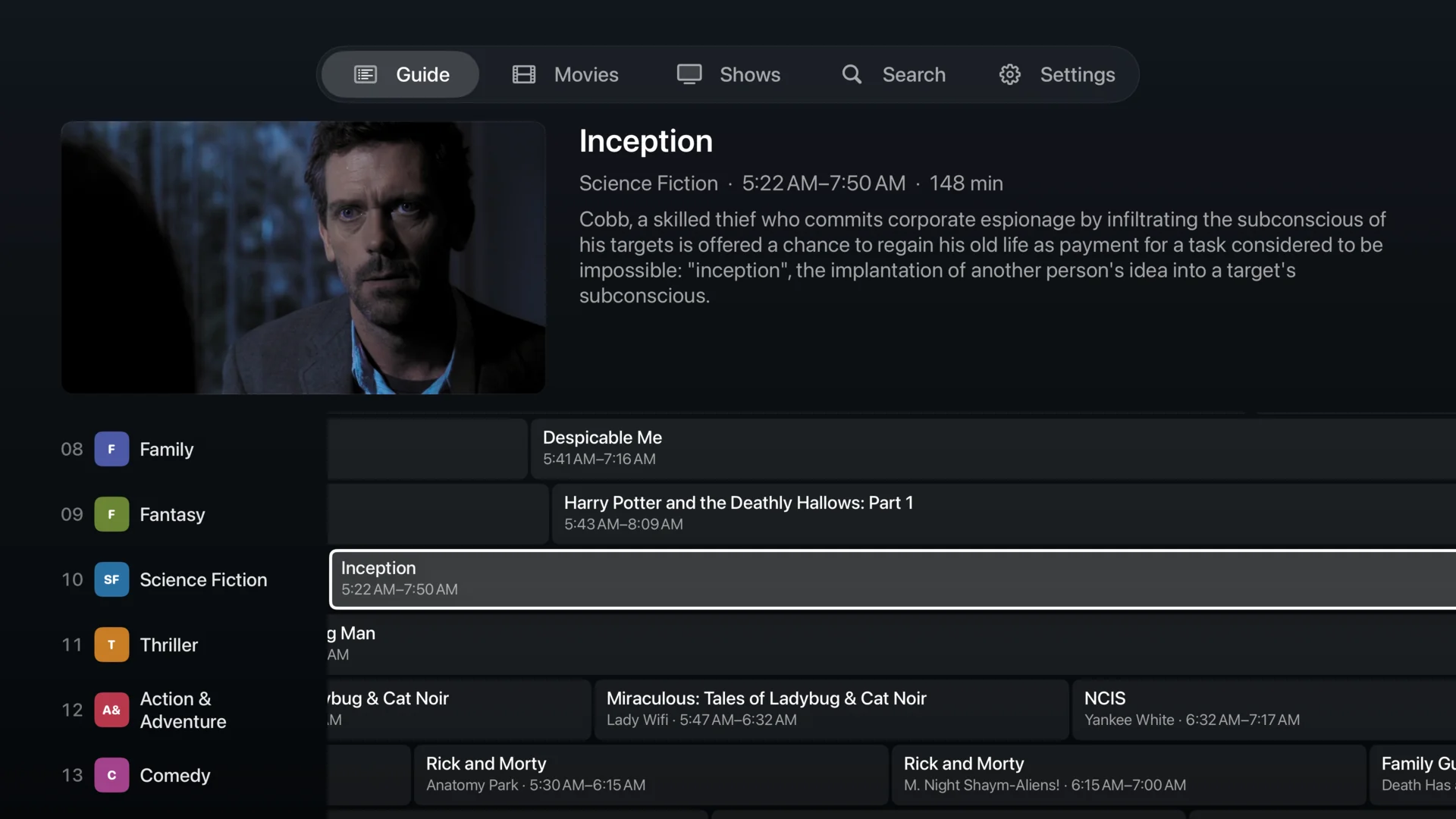
Sit down
Currents selects a starter lineup of up to 30 channels you can watch free. Browse the live guide to see what Premium adds for your library. Additional channels are dimmed and labeled Premium; select one to see upgrade options.
Requirements
What you need
Currents is a client, not a media server. It plays what you already own, from the server you already run.
-
An Apple TV
Apple TV 4K or Apple TV HD running tvOS 18 or later.
-
A Plex server you can reach
Your own, or one shared with you. Currents needs permission to play the media it schedules.
-
Enough to fill a channel
Start with the channels your library can support. Add more movies and shows, and your free starter lineup can grow up to 30 channels. Premium unlocks the full eligible lineup, including Plex collection channels. Currents keeps existing starter selections while they remain eligible.
Not affiliated with Plex. Currents is an independent app that connects to Plex on your behalf. Plex is a trademark of Plex, Inc.